Write a business check from your toolbar, watch the live preview and download a sample PDF for blank check stock — even offline. The extension requests no permissions and your bank details never leave your device.
The extension is in Chrome Web Store review. Until then, the web editor does everything it does, in your browser. What's in version 1.0.0
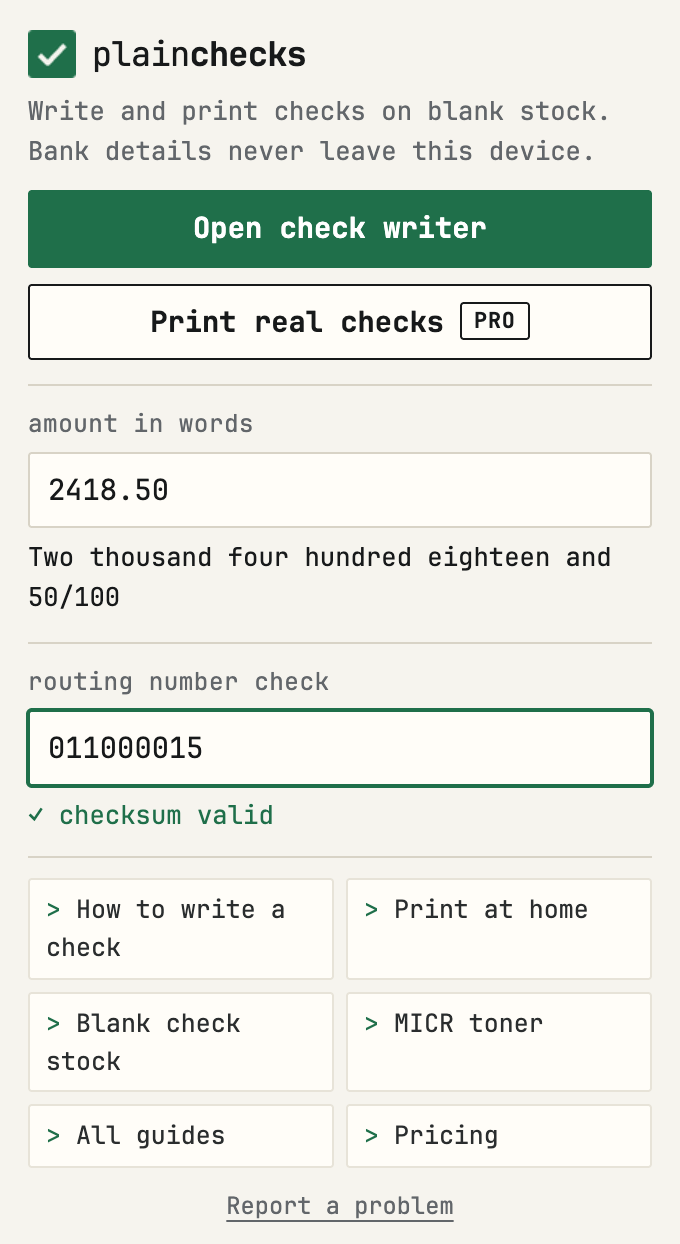
One click from the toolbar. Open the check writer, or get the amount in words and check a routing number right in the popup.Live preview, offline PDF. The check is drawn on your computer as you type. The sample PDF is watermarked and never contains your bank numbers.
What it does
Offline check writer
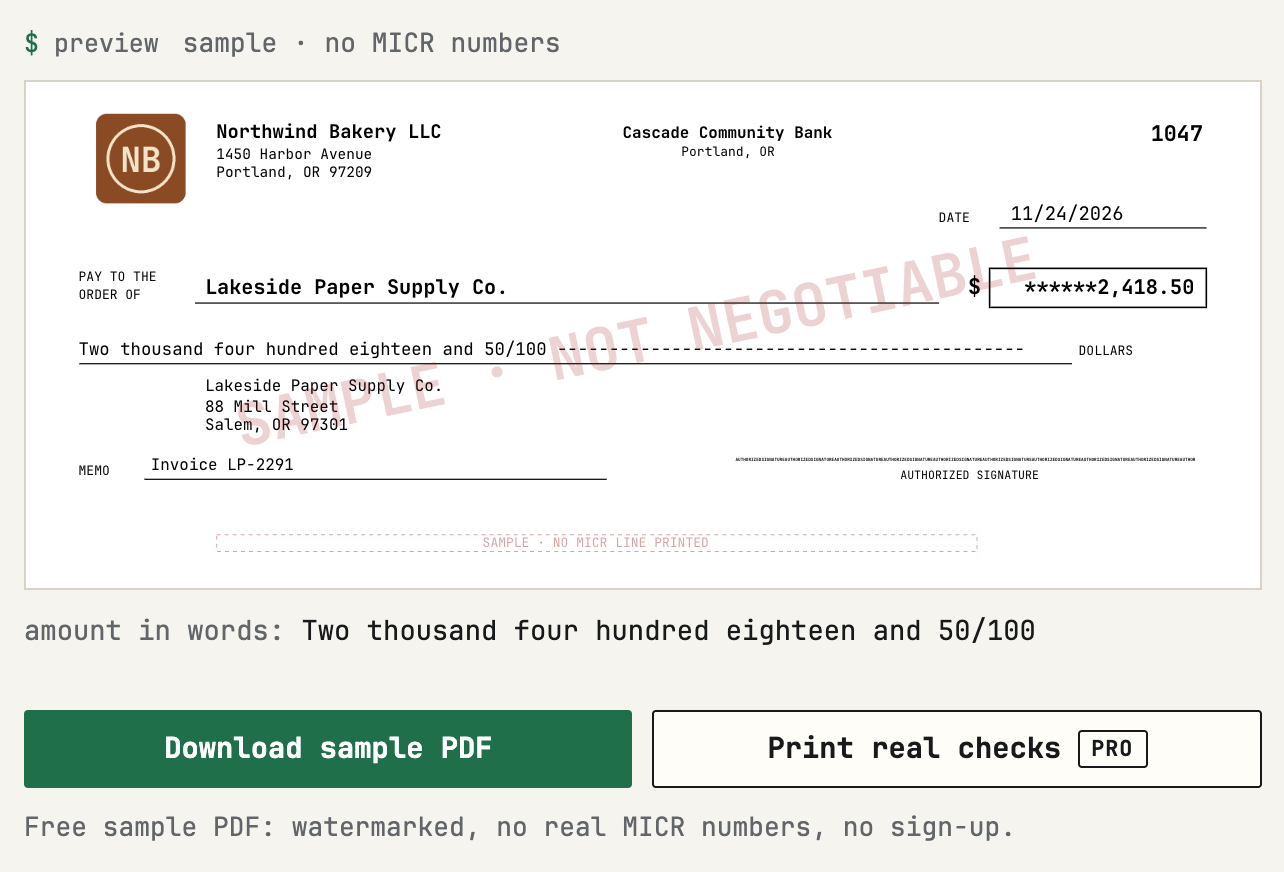
Payee, amount, memo, your business, bank and logo. The preview updates as you type and the amount in words fills itself, cents included.
Routing number check
The ABA checksum catches a mistyped routing number before you print, in the check writer and in the popup.
Sample PDF and alignment page
Check on top, in the middle, on the bottom or 3 per page. Print the sample on plain paper and the alignment page to line up your printer.
No permissions
The extension cannot see the sites you visit or your tabs. Everything it needs — renderer, PDF library and fonts — is inside the package. No remote code.
Your data stays put
The form is saved only in the extension on this browser. Nothing is uploaded, and there is no account. See how PlainChecks handles bank details.
Real checks when you are ready
“Print real checks” opens the batch editor on plainchecks.com: real MICR line, CSV import and saved payees with Pro.
How to write your first check with the extension
Install and pin it. Click the puzzle icon next to the address bar and pin PlainChecks.
Open the check writer. Click the green icon, then Open check writer.
Fill in the check. Payee, amount, memo, your business and bank. Watch the preview and the amount in words.
First release: Check Writer & Printer by PlainChecks.
Offline check writer: fill in a check, see a live preview and download a watermarked sample PDF, even without internet.
Amount in words with cents and a routing number checksum, in the check writer and right in the popup.
Check on top, in the middle, on the bottom or 3 per page, optional stubs, your logo, and a printer alignment page.
No Chrome permissions; bank details never leave your device. "Print real checks" opens plainchecks.com.
Found a bug or missing a feature? Report a problem — we read every message.
Frequently asked questions
Does the extension need any Chrome permissions?
No. It requests no permissions at all, so it cannot read the pages you visit, your tabs or your browsing history. It runs only when you click its icon or open the check writer.
Are my bank details sent anywhere?
No. The check writer draws the check and the sample PDF inside the extension on your computer. What you type is saved only in the extension on this browser. Nothing is uploaded, and the free sample PDF never contains your routing or account number.
Does it work offline?
Yes. The check renderer, PDF library and fonts are all inside the extension, so the preview, sample PDF and alignment page work without an internet connection.
Can it print real checks?
The extension makes free sample checks: watermarked, with a sample marker where the MICR line goes. “Print real checks” opens PlainChecks on the web, where Pro prints the real MICR line on blank check stock. Nothing from the extension form is passed to the site.
Does it work in Microsoft Edge?
Edge can install extensions from the Chrome Web Store after you allow extensions from other stores. The extension uses only standard features, so it works the same way there.